
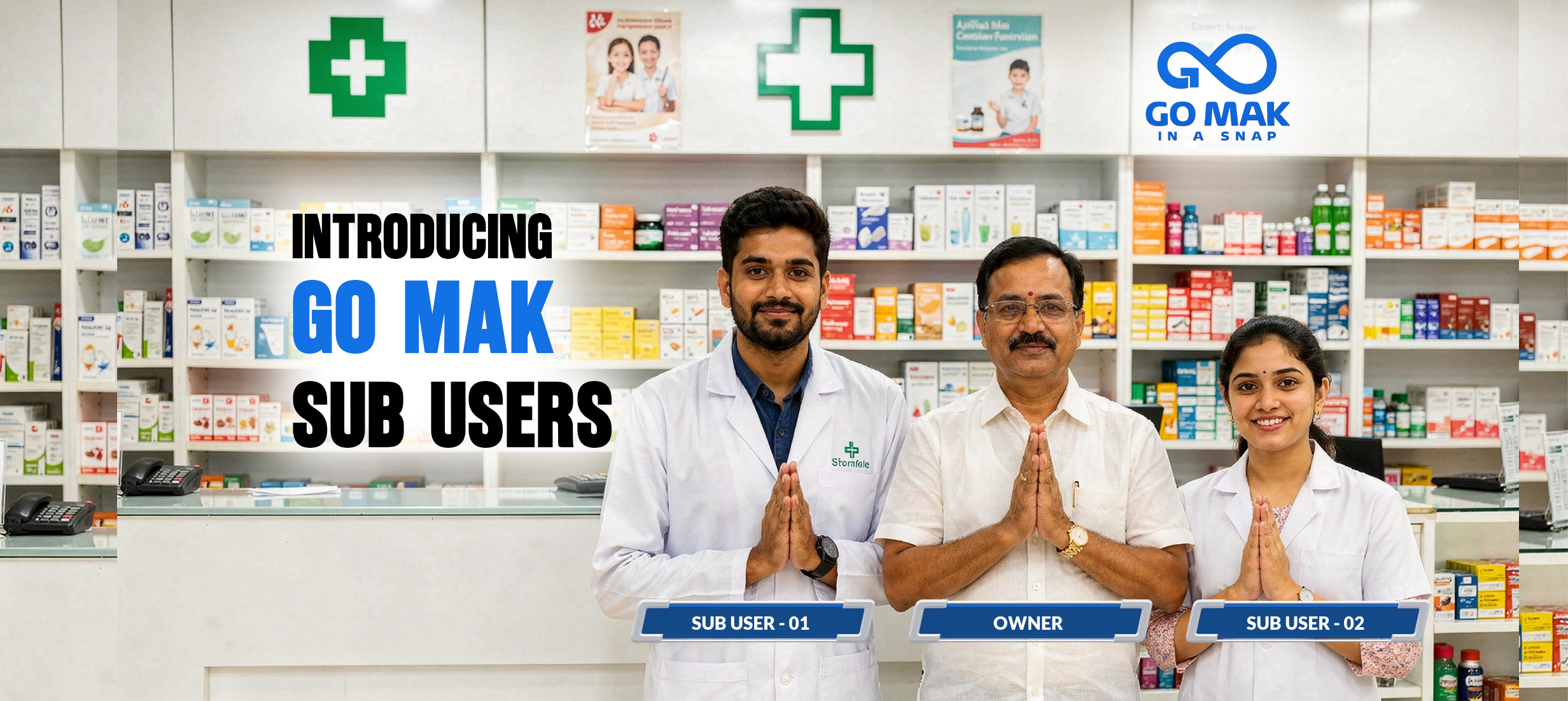
Control Your Pharmacy Team with Multi-User Access
Running a pharmacy is not easy. Every day, you need to place medicine orders, receive deliveries, and manage payments. Doing everything yourself takes time and slows down your business.
With the Go Mak B2B Medicine Delivery Platform, you can add multiple team members to your business account. This allows your staff to handle daily tasks while you stay in control of important business decisions.
What is Multi-User Access?
Multi-user access allows pharmacy owners to add multiple staff members to a single business account.
Each employee receives their own secure login and can perform daily tasks without using the owner's account.
This makes pharmacy operations:
- Faster
- More secure
- Better organized
- What Can Sub-Users Do?
Sub-users can help manage your daily pharmacy operations by:
- Placing medicine orders
- Accepting medicine deliveries
- Receiving stock
- Managing regular order activities
This ensures your pharmacy continues to run smoothly, even when the owner is busy.
What Does the Owner Control?
While your staff can handle daily operations, the business owner keeps complete control over payments.
Only the owner can:
- Approve payments
- Manage financial decisions
This provides better security while allowing your team to work independently.
Why is Multi-User Access Helpful?
Save Time
Owners no longer need to complete every task themselves.
Improve Teamwork
Staff members can work together using one business account.
Better Business Control
Payment approval remains with the owner, ensuring financial security.
Faster Daily Operations
Orders and deliveries are processed faster because multiple team members can manage different tasks.
With the Go Mak B2B Medicine Delivery Platform, pharmacies can reduce delays, improve productivity, and deliver better customer service.
Add or Remove Users Anytime
Your pharmacy team may change over time.
You may hire new employees or remove inactive staff.
With Go Mak, you can:
- Add unlimited sub-users
- Remove inactive users anytime
- Keep your business account updated
There is no need to create a new account whenever your staff changes.
Who Should Use Multi-User Access?
This feature is ideal for:
- Retail pharmacies
- Pharmacy chains
- Medical stores with multiple employees
- Pharmacy owners managing busy businesses
If your pharmacy has more than one employee, multi-user access helps everyone work more efficiently.
Why Choose Go Mak?
The Go Mak B2B Medicine Delivery Platform is designed to simplify pharmacy management while keeping your business secure.
Go Mak helps pharmacy owners:
- Give secure access to staff
- Speed up medicine ordering
- Manage deliveries with ease
- Keep payment approvals secure
- Improve teamwork and business efficiency
Whether you manage one pharmacy or multiple locations, Go Mak makes daily operations easier.